Adjust the driver seat
|
Warning
|
The driver seat can be adjusted in two ways:
| • | The seat buttons on the lower left side of the seat |
| • | The center display |
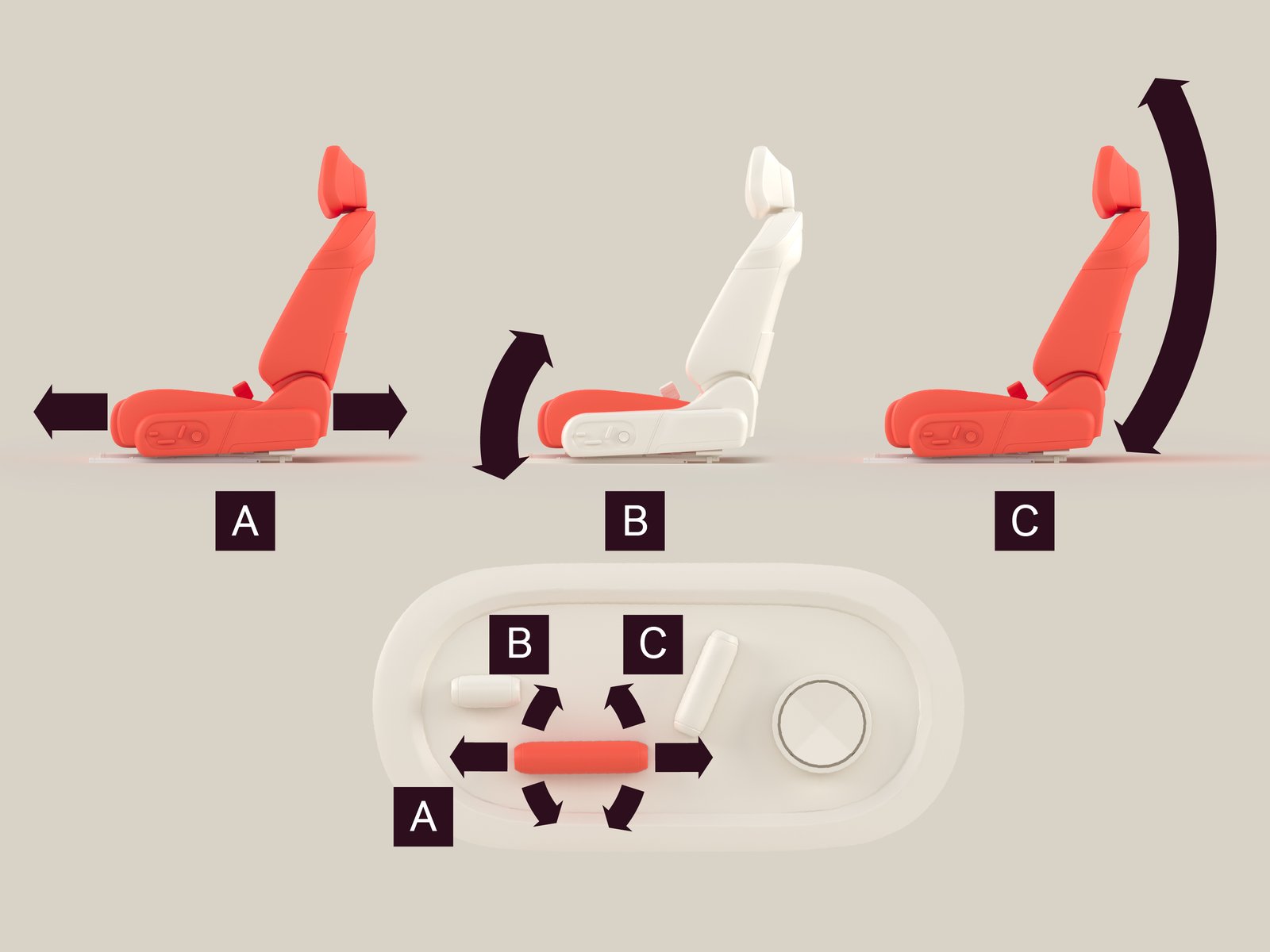
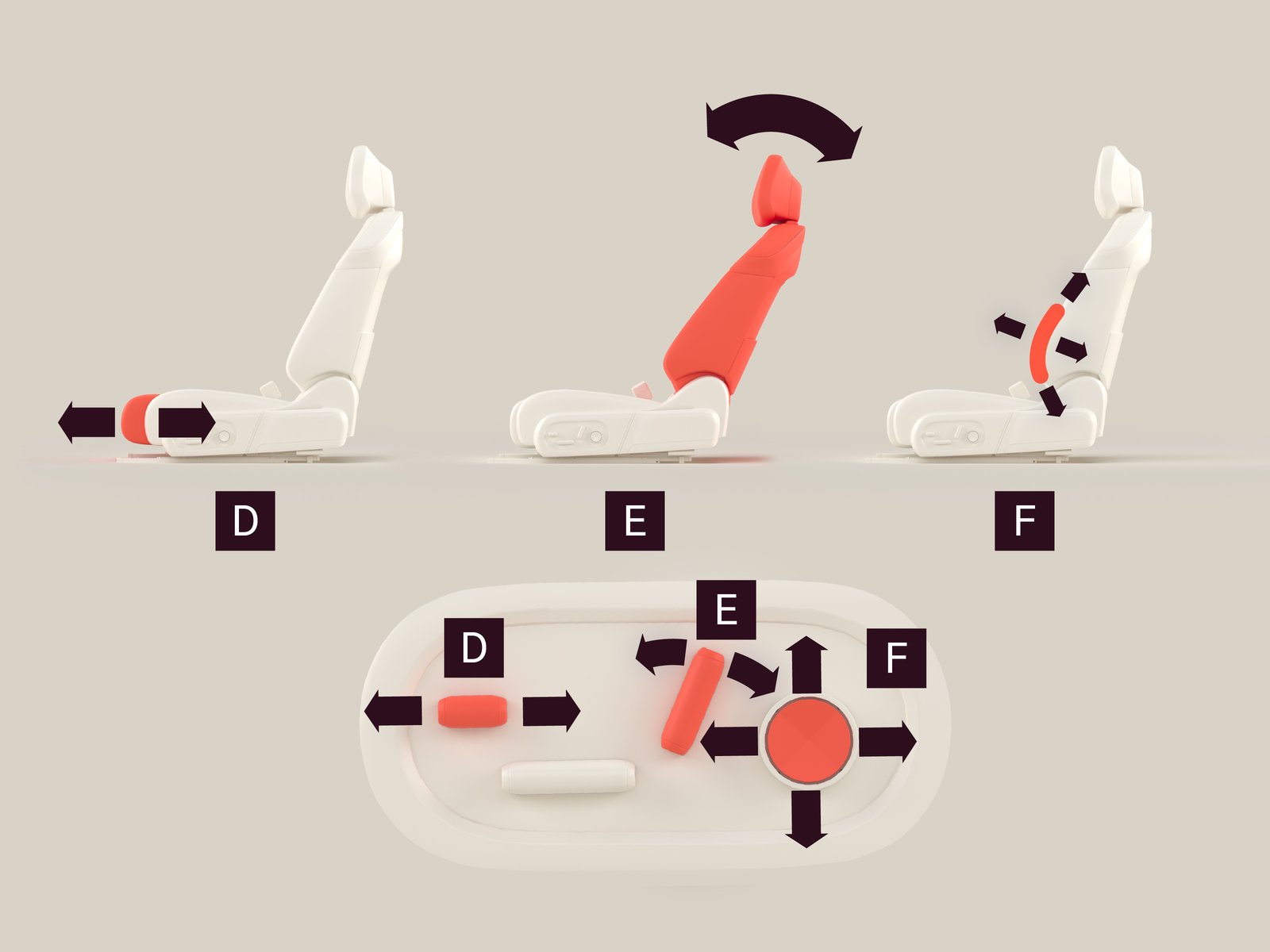
To adjust the driver seat using the seat buttons:
| • | Adjust the seat forward/backward by moving the button  forward/backward. forward/backward. |
| • | Adjust the cushion angle by moving the front section  of the button up and down. of the button up and down. |
| • | Adjust the seat height by moving the rear section  of the button up and down. of the button up and down. |
| • | Adjust the seat cushion length by moving the button  forward/backward. forward/backward. |
| • | Adjust the backrest angle by tilting the button  forward/backward. forward/backward. |
| • | Adjust the lumbar support by pressing the  button up/down/left/right. button up/down/left/right. |
| • | To adjust the driver seat using the center display, navigate to  . . |